

By Keeley Travis on Jun 27, 2024, 10:21:56 AM
Whilst a standard DocuWare Form is a fantastic tool in document management, I'm going to be completely honest with you...the documents they produce are a little plain and restricted in terms of layout and design.
Don't get me wrong, for purely functional documentation they do the job admirably, can be branded and there are some design options available. But for official customer-facing documents, well, not so much.
That is where the magic of merge forms come in.
When would you use a merge form?
Merge forms are ideal for:
- Official documents
- Legal documents
- Documents where the content remains largley the same and only a few items change
Typical examples of these would be:
- Contracts - business and employee
- Often sent legal/official letters
- Invoices/credit notes/purchase orders
How does it work?
I'm going to use employee contracts as an example.
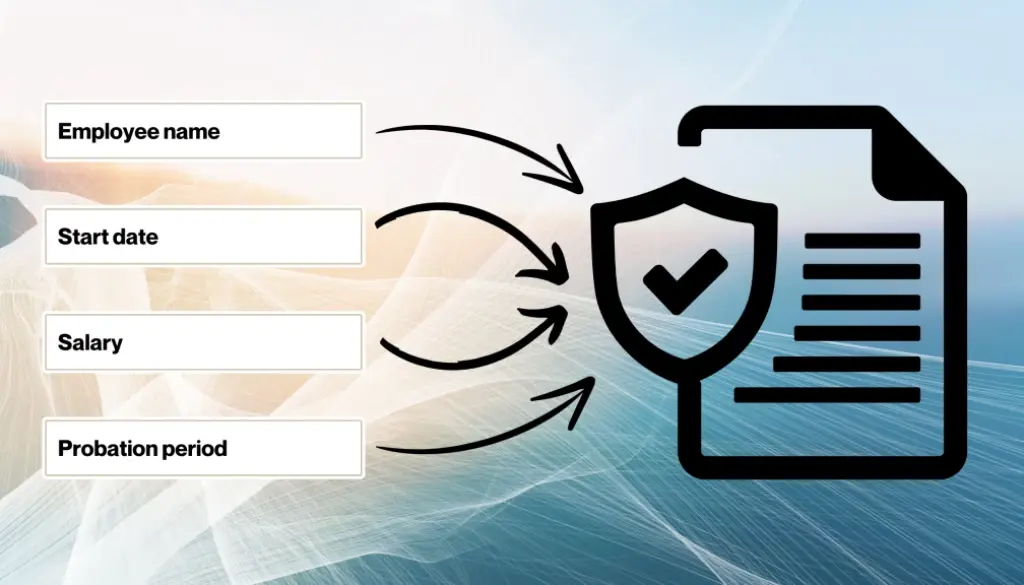
Usually these are a standard document and you'd only need to fill in a few details like employee name, start date, job title and salary.
The first step then would be to create a template document to use as the merge form, leaving blank spaces for the details that will change. Remember, this template can contain your company letterhead and similar information you'd want on these types of documents as standard.
Something like this (but in greater detail, of course!):
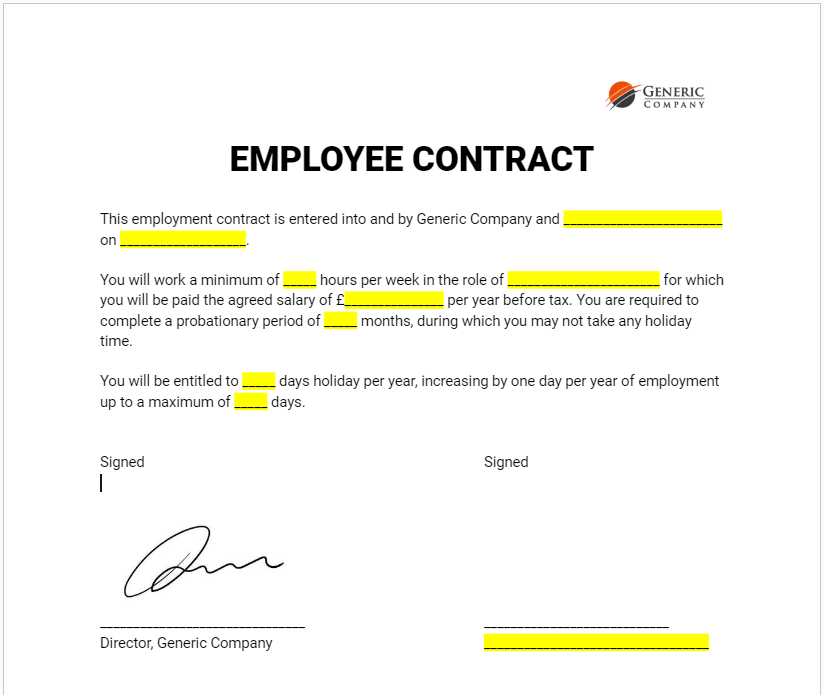
The highlighted areas are where we will use a DocuWare Form to "fill in" the blanks, merging them on to the template before processing the document.
With the template created, we now store this in DocuWare for future use and create a very basic form for your HR department to use in order to generate the contract.
Based on the template above, the internal DocuWare form would have just eight fields for:
- Employee Name
- Date
- Weekly Hours
- Job Title
- Annual Salary
- Probation Period
- Holiday Entitlement
- Max Holiday Entitlement
This will take someone a matter of moments to complete and submit, after which the magic happens.
The entered data is merged onto the template in the correct spaces (and indexed for later retrieval!) to produce a new contract in PDF, which would be stored in the HR filing cabinet of DocuWare - no paperwork, very little manual data entry, completely safe and secure. It would look like this (without the highlighting!):
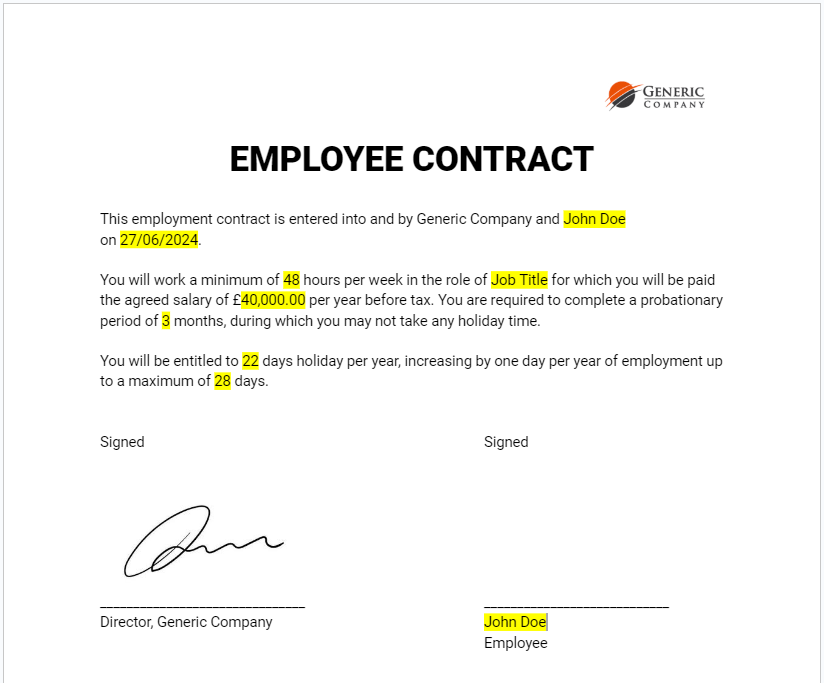
The newly created PDF document would then trigger DocuWare workflows to:
- Create an employee record within DocuWare
- Email the contract to the employee for an electronic signature
- Request the employee completes an onboarding form
- Notify IT of the new starter, requesting equipment is set up in advance of a start date (and perhaps a DocuWare account!)
- Ordering workwear from a supplier
And anything else that is part of your specific onboarding process. That's less than five minutes of your HR department's time to fill in a short form and set off a whole host of potential scenarios that would normally take several emails, phone calls and chasing.
Of course, this merge form would form only a small part of your HR and recruitment process but it does demonstrate the power of merge forms to create legally binding, official documentation for your business with very little manual data entry, no requirement for print, no letterheads to keep or any of the other time consuming tasks usually associated with these type of business processes.

Why Your Business Mobile Contract Matters More Than The Tariff

How Managed Print Services Can Help to Save You Money

No Comments Yet
Let us know what you think